Summary
- Most board secretaries and administrators have built their own minute-taking workflow out of whatever tools were within reach: a phone on the table, a free transcription app, a Copilot summary, a ChatGPT paste, and a Word template.
- Each piece of that stack was a choice. Together, they create real problems: confidentiality exposure, transcripts that aren't minutes, hours of reassembly, and no defensible record of how the minutes were produced.
- The fix isn't a better recording gadget. In reality, the capture layer mostly works. It's everything after capture – structuring, drafting, review, and distribution – that needs to change.
- "Automating" minutes is the wrong goal for a board record. The right goal is a governance-grade first draft that the minute-taker reviews, edits, and owns.
What you'll learn
If you take minutes for a board, there's a reasonable chance your setup looks something like this: a phone propped in the middle of the table, set to record. A free transcription app you found after a meeting ran long (and your notes didn't). Maybe Copilot summarising the Teams call for the directors who joined remotely. And later that evening, a transcript pasted into ChatGPT with a prompt you've refined over countless board meetings, the output copied into last meeting's minutes template, and an hour or two of rewriting before anything is fit to circulate.
Nobody designed this workflow. It evolved naturally over time. And it deserves more respect than it usually gets – because every piece of it was a sensible response to a real problem, assembled by the person who carries the minute-taking load.
This article looks at how the duct-taped stack forms, where it genuinely holds up, where it fails in ways that matter for a board record, and what a cleaner process looks like.
The anatomy of a duct-taped capture stack
The stack varies by organisation, but the components are immediately recognisable:
- The phone on the table. The default recorder for in-person meetings. Free, always present, good enough audio for a small boardroom.
- A free recording and transcription app. Usually adopted after one bad experience of reconstructing a two-hour discussion from handwritten notes.
- The video platform's own tools. Teams or Zoom recording and transcription for hybrid and online meetings, sometimes with Copilot or a similar assistant producing a summary.
- A consumer AI chat tool. ChatGPT or similar, where the transcript – and often the board pack alongside it – gets pasted with instructions to "write these up as minutes."
- The Word template. Last meeting's minutes, saved-as, with the output massaged into shape.
If you recognise most of this list, you're not behind. This is close to the modal workflow among boards in the SMB, not-for-profit, school, and incorporated society world right now. The people running it are usually the most technically resourceful person in the organisation, not the least.
Why capable people end up here
The duct-taped stack exists because the demand ran ahead of the tooling. Searches for how to automate meeting minutes have grown for an obvious reason: minute-taking is the most time-consuming part of the board cycle, and it lands on one person. For a board secretary or administrator supporting a monthly board, the write-up alone can absorb hours per cycle – often spread across evenings, because the day job doesn't stop.
The tools within reach were built for meetings in general, not board meetings in particular. A transcription app doesn't know what a resolution is. A meeting summariser doesn't know the difference between discussion the board wants recorded and discussion it emphatically doesn't. So the person in the middle bridges the gap manually – with prompts, templates, and judgment.
That judgment is the load-bearing element of the whole stack.
Where the duct tape gives way
The failure points aren't where most people expect. The recording layer is usually fine. The problems sit downstream.
The confidentiality problem
Pasting a transcript into a consumer AI tool means pasting board discussion – often alongside the board pack – into a service that sits outside your organisation's control. Depending on the tool and its settings, that content may be retained or used to improve the provider's models. Even where it isn't, there's no access control, no record of what was shared, and nothing you could point to if a director asked where the draft minutes had been.
For a routine operational meeting, that might be a tolerable trade. For a board discussing personnel, funding, litigation, or strategy, it isn't. The awkward part is that the person doing the pasting usually knows this – and does it anyway, because the alternative is another late night.
The transcript-to-minutes problem
A transcript is not a minute, and a summary is not a minute either. Minutes are a selective, structured record: attendees and apologies, declarations of conflict of interest, decisions and resolutions with their movers, actions with owners, and a proportionate account of discussion. General-purpose AI tools produce something that looks like minutes – headings, bullet points, confident language – but the selection and structure still have to be imposed by hand. Much of the "automated" output gets rewritten.
The reassembly problem
Because each tool in the stack does one job, the person in the middle does the joins: exporting from one app, cleaning speaker labels, cross-referencing against the agenda, chasing the section the recording missed when the phone battery died. The stack saves time at each step and gives a good portion of it back in reassembly.
The record problem
Minutes are a legal record. When they're assembled across a personal phone, a free app, a consumer AI chat tool, and a local Word file, there's no single place where the meeting's record lives, no version history worth the name, and no clean line from what was said to what was minuted. Most boards never need that line. The ones that do – a dispute, a regulator, an employment matter – need it badly.
The Copilot question
A common next move is to ask whether Copilot can take over – and if your board meets on Teams, it's a reasonable question. Copilot can produce a transcript and a serviceable summary of the discussion, and for internal working meetings that's often all you need.
For board minutes, three gaps tend to show up in practice. Copilot summarises what was said; it doesn't structure a governance record, so motions, resolutions, and formal items still need to be identified and drafted by hand. It only covers what happened inside the Teams meeting, which leaves hybrid and in-person boards – still the majority in the SMB and NFP world – outside its reach. And the output lands as a summary document, not as draft minutes against your agenda, so the reassembly work described above doesn't go away; it just starts from slightly better raw material.
None of that makes Copilot a bad tool. It makes it one more strip of duct tape – a good transcription and summary layer that still leaves the actual minute-drafting where it always was.
What automating meeting minutes should actually mean
The common search phrase is "automate meeting minutes," but full automation is the wrong goal for a board record, and most secretaries sense this. Minutes involve judgment calls – what to record, how to phrase a contentious discussion, what stays out – that carry legal weight. A record nobody reviewed is a liability, not a time-saving.
The realistic goal is narrower and more useful: automate the drafting, keep the judgment. The blank page is the expensive part of minute-taking – the two hours of turning a transcript into structure. That's the part software should do. The review – checking the resolutions, adjusting the tone, applying what you know about this board – should stay with the person whose name is on the record. In practice, that shifts the job from writing minutes to editing them, which is a different order of effort.
A cleaner process, without changing how you record
Here's the part that surprises people: the fix doesn't start with a new recording setup. The phone on the table is fine. The Teams recording is fine. The capture layer of the duct-taped stack mostly works – it's everything after capture that needs replacing.
The process we recommend, and the one AI Minutes in BoardPro is built around, looks like this:
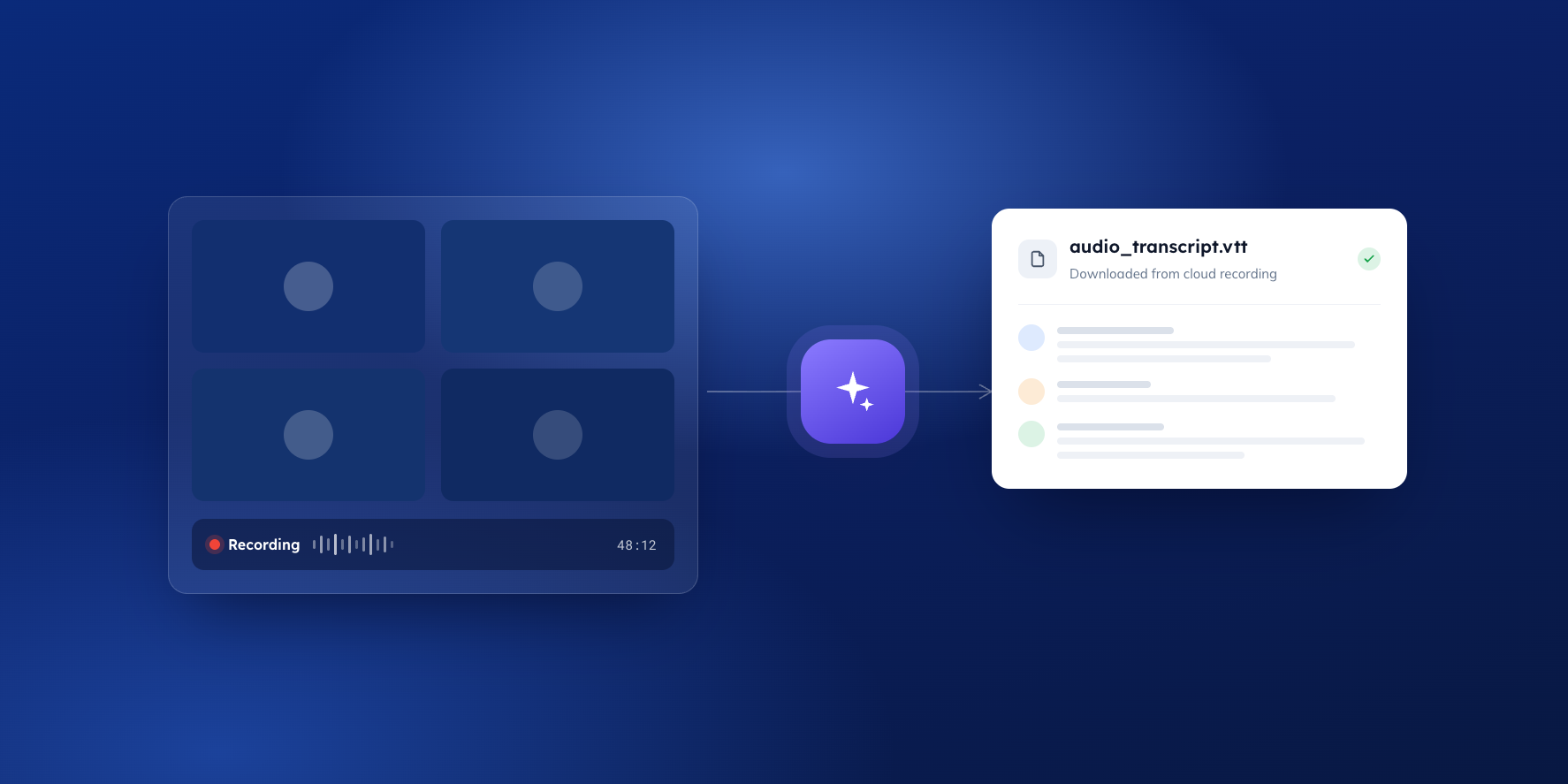
- Record the meeting however you already do – video platform for online meetings, a phone or recorder for in-person. If your tool labels speakers by name, use that setting; it produces a noticeably better draft.
- Upload the transcript to the meeting in BoardPro. Long meeting split across files? You can upload multiple transcripts against the one meeting.
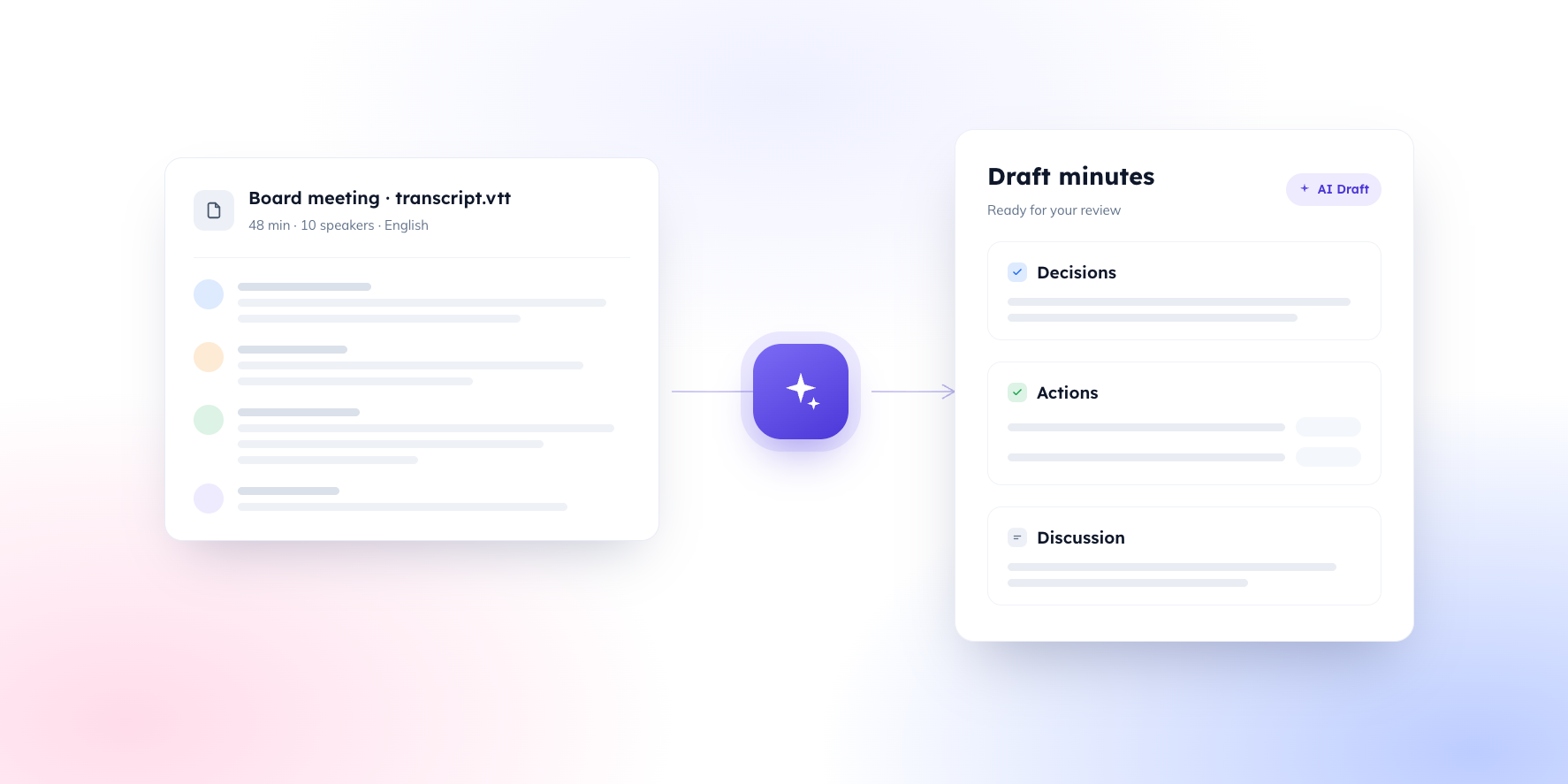
- Generate the draft. AI Minutes maps the discussion to your agenda and produces structured draft minutes – decisions, actions, and discussion in the format your board uses – inside the platform where your agenda and board pack already live.
- Review, edit, and approve. The draft is a starting point. The minute-taker remains the author of the record, with the transcript on hand to verify anything uncertain.
- Distribute from the same place. Minutes go out through BoardPro, attached to the meeting they belong to, with the version history that a formal record should have.
The net effect isn't that the AI writes your minutes. It's that the duct tape disappears: no consumer tools handling confidential material, no reassembly between apps, and a first draft measured in minutes rather than an evening. What's left of the job is the part that was always yours – the judgment.
FAQs
Can you fully automate meeting minutes?
You can fully automate a transcript and a summary. You can't – and shouldn't – fully automate minutes, because minutes are a selective legal record that requires human judgment about what to include and how to phrase it. What you can automate is the drafting: a structured first version that the minute-taker reviews and approves. That's where the hours go, so that's where the time comes back.
Is it safe to paste a board pack or transcript into ChatGPT?
It depends on the tool, the plan, and the settings – and that's precisely the problem. Consumer AI tools sit outside your organisation's control, may retain or learn from what you paste depending on configuration, and leave no record of what was shared. For confidential board material, the safer path is to keep transcripts and drafting inside a platform your organisation actually governs.
What's the best free app to record and transcribe meeting minutes?
For capture alone, most boards do fine with what they already have: the recording function in Teams or Zoom for online meetings, or a phone recording app for in-person ones. Prefer a tool that produces a transcript with named speakers, because speaker attribution is what makes the downstream draft accurate. The honest answer, though, is that the recording app was never the bottleneck – the write-up is.
Can I use Copilot for board meeting minutes?
Copilot handles transcription and summarisation of Teams meetings well. It doesn't produce a governance record: motions, resolutions, and formal structure still need to be drafted by hand, and in-person or hybrid meetings fall outside its scope. Treat it as a capture tool, not a minute-taking tool.
Do we need board approval to use AI for minutes?
It's good practice to raise it with the board before the first AI-assisted draft goes out, even where no formal policy exists. Boards are far more comfortable with "the software drafts, I review and remain the author" than with a vague sense that minutes are now automated. If your board has an AI use policy, minute drafting should be recorded in it; if it doesn't, this is a practical prompt to start one.
Resources for your board
When you're ready here's how BoardPro can help
- New to BoardPro? Start a free trial to see how AI Minutes works with your board's own meetings.
- Book a demo – see BoardPro in action in this 30-minute demo. Book here.