


This month, we’re making it easier to prepare for your next meeting and organise the year ahead. Our new mobile app brings BoardPro to your phone or tablet, while two updates to Annual Work Plan help you build a plan from past meetings and bring planned topics into your agenda.
Meet the new BoardPro mobile app
Board preparation happens wherever you can find the time: at home, on the train or on a flight to your next meeting.
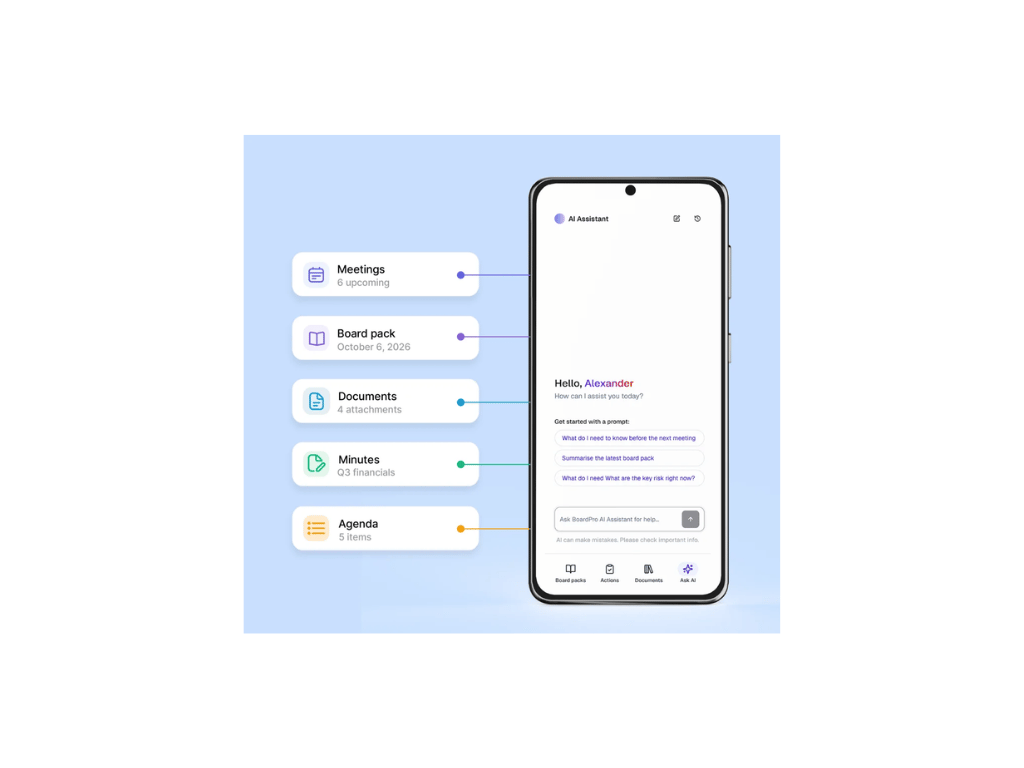
The new BoardPro mobile app is available for Apple and Android phones and tablets. With it, you can:
- Read your board packs on the go, moving easily between agenda items.
- Prepare offline by making packs available before you travel.
- Highlight passages and add private notes, with offline annotations syncing when you reconnect.
- Keep your assigned actions up to date, including status changes and progress updates.
- Ask AI Assistant about your board materials, with source links to check the detail.
Sign in with your usual BoardPro credentials. The app is included in your organisation’s subscription at no extra cost; available features depend on your role and plan. Annotations require an eligible plan, and AI Assistant requires a plan that includes it and an internet connection.
Using BoardPro Notes? You’ll need to download the new app separately. BoardPro Notes will be retired once customers have moved across.
Explore the BoardPro mobile app or download the app with 1 click.


Annual Work Plan: keep the whole year in view
A board’s work extends well beyond the next meeting. Strategy discussions, budget approvals, policy reviews and recurring responsibilities all need time on the agenda.
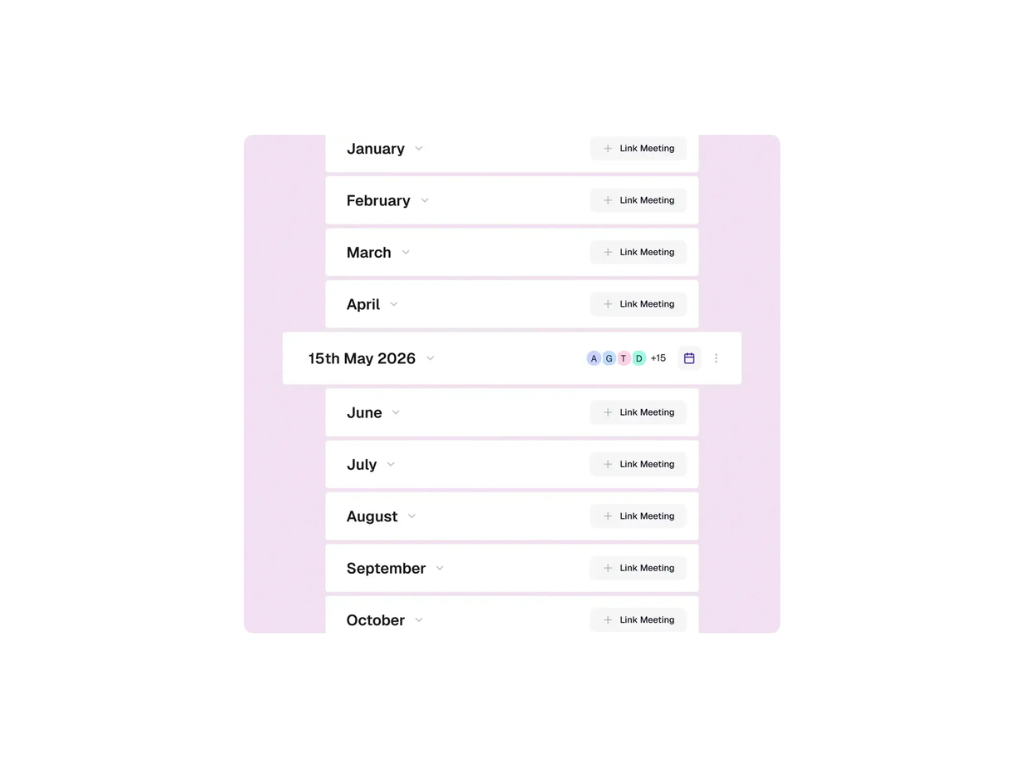
BoardPro’s Annual Work Plan helps you map that work across the year, giving your board a shared view of what’s coming up. You can organise topics by month and move them as priorities change, helping you make room for strategic discussions alongside regular business. Explore Annual Work Plan
Two new features make it easier to get started and put your plan into practice.
Generate a plan from your past meetings
Your meeting history is a useful starting point for planning the year ahead. BoardPro AI can now use your past meetings to generate an Annual Work Plan, with tasks pre-populated across the months.
From the Annual Work Plan dashboard, select Add, then Generate from past meetings and you’ll have a draft to work from. If you have less than a year of meeting history, some months will be empty. You can fill those gaps as you review the plan.
Bring planned items into your meeting agenda
Once you’ve linked a meeting to a month in your Annual Work Plan, you can now add that month’s items directly to its agenda.
Open the linked month’s context menu and select Add to meeting agenda. BoardPro creates a Board Annual Work Plan section in the meeting agenda containing the items for that month, saving you from entering them again.
In case you missed it: AI Assistant and AI Minutes
We’ve also recently introduced two ways to reduce the work around preparing for meetings and writing up the record.
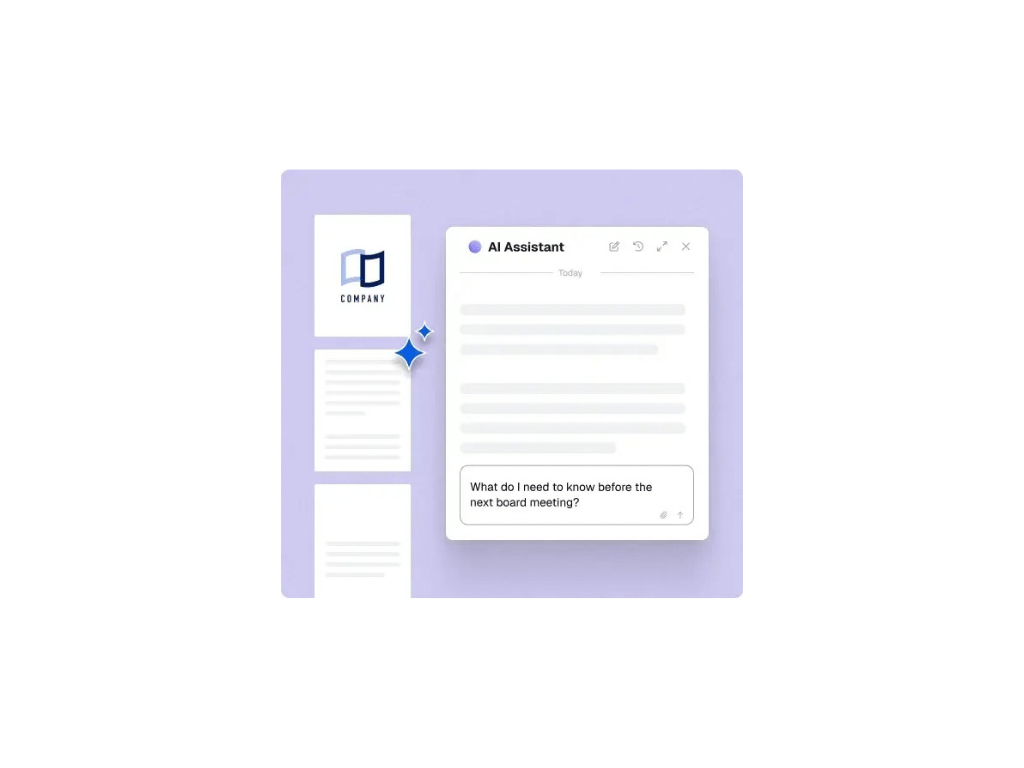
AI Assistant helps you find the context you need. Ask questions across your board pack and meeting history, summarise documents and revisit earlier decisions. Answers include source links so you can check the supporting material. Explore AI Assistant
AI Minutes gives you a first draft to review. Upload a transcript from your meeting recording tool, and BoardPro turns it into draft minutes structured around your agenda, including discussion notes, decisions and actions. You review and edit the draft before publishing. Explore AI Minutes
Both are available on Premium and Ultimate plans. Your board administrator can enable them when your organisation is ready. Read the AI Minutes announcement
.png?width=1024&height=768&name=minutes%20(1).png)
Attend the Roadshow and learn more! Choose your city and register here

Boards that want to spend less time assembling papers and more time on the decisions that matter can see how BoardPro’s board software supports the shift — start a free, 30-day trial and set up your next board meeting in a few clicks, no credit card required.

Share this

Introducing Simon Telfer - Another governance expert supporting the BoardPro community

Inside Story - How to report to your Board during a Crisis + FREE Template